If you've ever built an Electron application, you know the challenge: how do you deliver updates to your users? Services like GitHub Releases work for open-source projects, but what if you need private releases, staged rollouts, or simply want to keep control of your update infrastructure?
Meet Shipyard — a modern, self-hosted update server built specifically for Electron applications. It's free, open-source, and designed to give you complete control over your update pipeline.
Why We Built Shipyard
When developing Electron apps for enterprise clients, we ran into a common problem: existing update solutions either required sending our binaries to third-party servers, lacked features like staged rollouts, or were prohibitively expensive at scale.
We wanted something that was:
- Self-hosted — Your binaries, your servers, your control
- Simple to deploy — One
docker compose upand you're running - Feature-rich — Staged rollouts, multiple channels, private releases
- Compatible — Works with electron-builder and electron-updater out of the box
Key Features
Multi-App Support
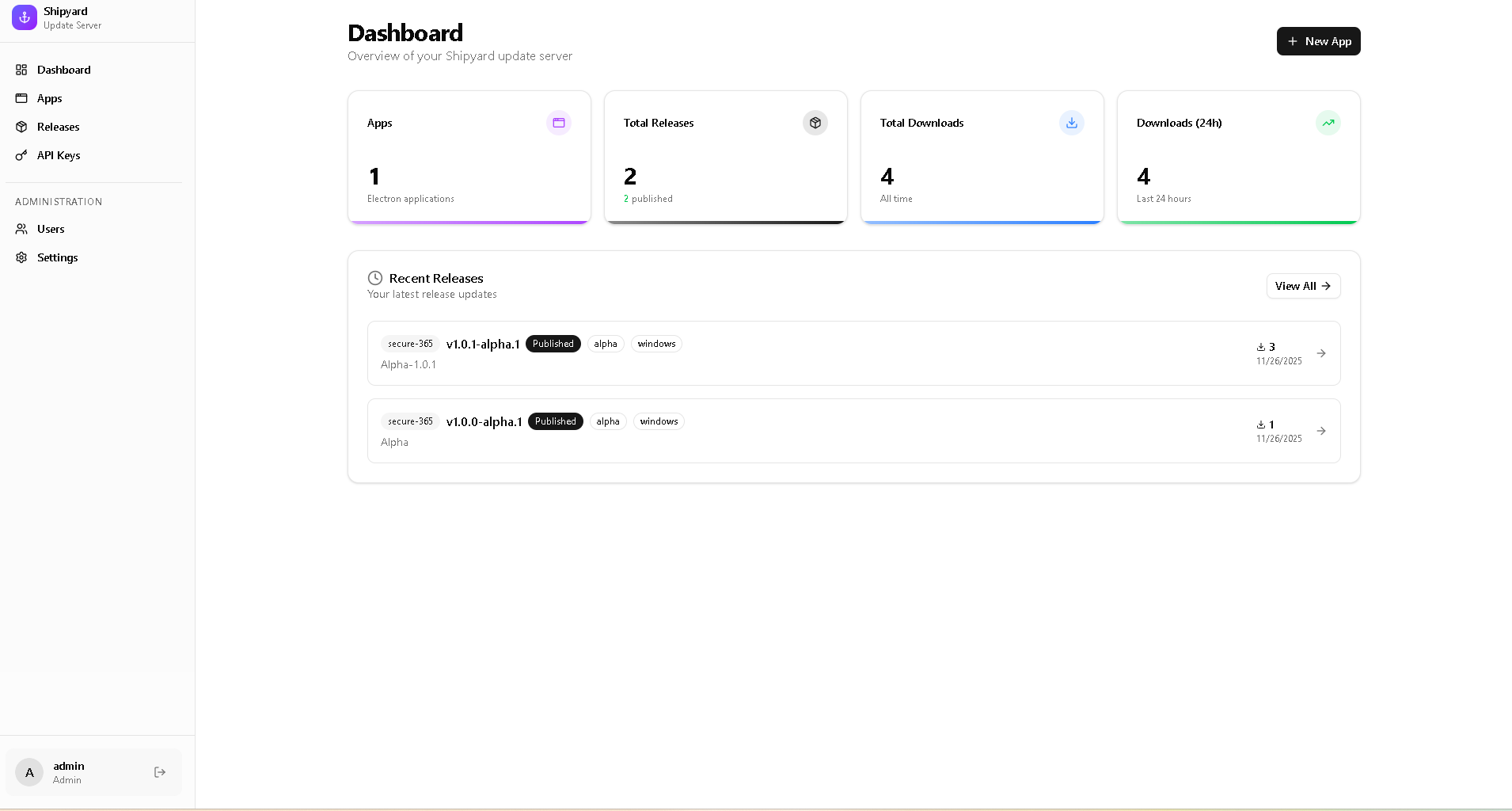
Manage updates for all your Electron apps from a single dashboard
Staged Rollouts
Gradually release updates to 10%, 50%, or any percentage of users
Release Channels
Support for latest, beta, and alpha channels per app
Private Releases
Protect releases with API keys for internal or paid distributions
How It Works
Shipyard integrates seamlessly with
electron-updater, the standard update library for Electron apps.
Here's how the flow works:
1. Configure Your Electron App
Point your app to your Shipyard server in
electron-builder config:
// electron-builder.json
{
"publish": {
"provider": "generic",
"url": "https://updates.yourcompany.com/updates/your-app"
}
}
2. Upload Releases via Dashboard
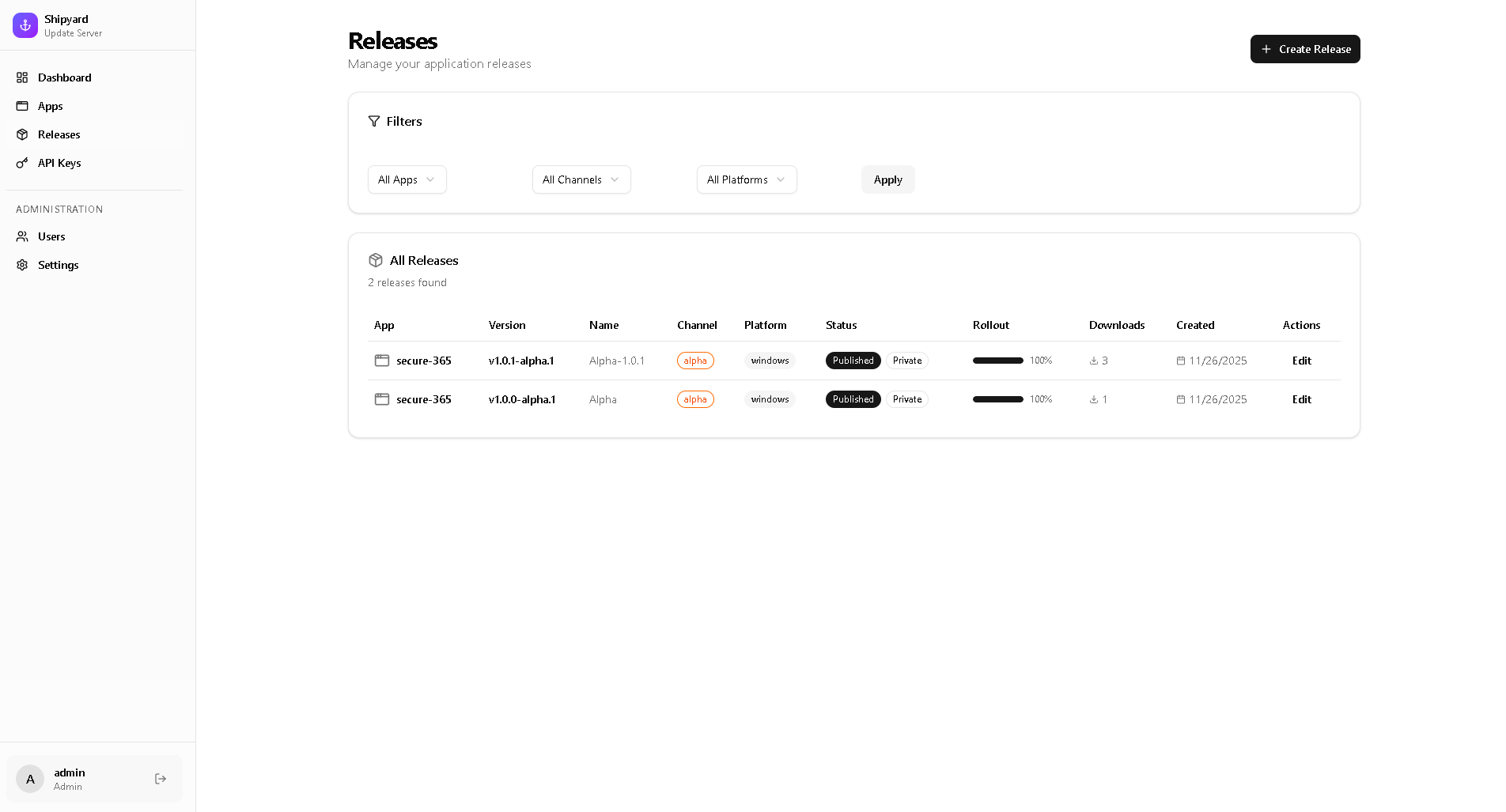
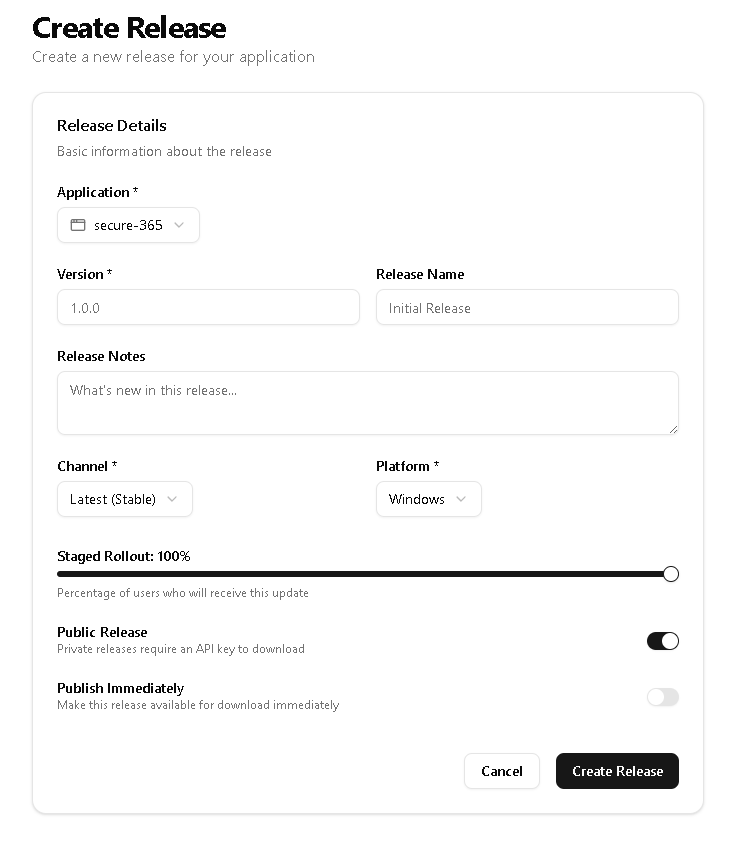
Build your app as usual, then upload the artifacts through Shipyard's web interface. You can set the release channel, rollout percentage, and whether the release requires an API key.
3. Your App Checks for Updates
Standard
electron-updater code works out of the box:
import { autoUpdater } from 'electron-updater';
// Check for updates on app start
autoUpdater.checkForUpdatesAndNotify();
// Handle update events
autoUpdater.on('update-available', (info) => {
console.log('Update available:', info.version);
});
autoUpdater.on('update-downloaded', () => {
autoUpdater.quitAndInstall();
});If you're already using electron-updater, switching to Shipyard requires only a URL change in your config!
Staged Rollouts: Ship with Confidence
One of Shipyard's most powerful features is staged rollouts. Instead of pushing an update to 100% of users immediately, you can gradually increase the rollout percentage while monitoring for issues.

A typical rollout strategy might look like:
| Day | Rollout % | Action |
|---|---|---|
| Day 1 | 5% | Initial canary release to catch critical bugs |
| Day 2 | 25% | Expand if no issues reported |
| Day 3 | 50% | Half your user base |
| Day 5 | 100% | Full release |
Private Releases with API Keys
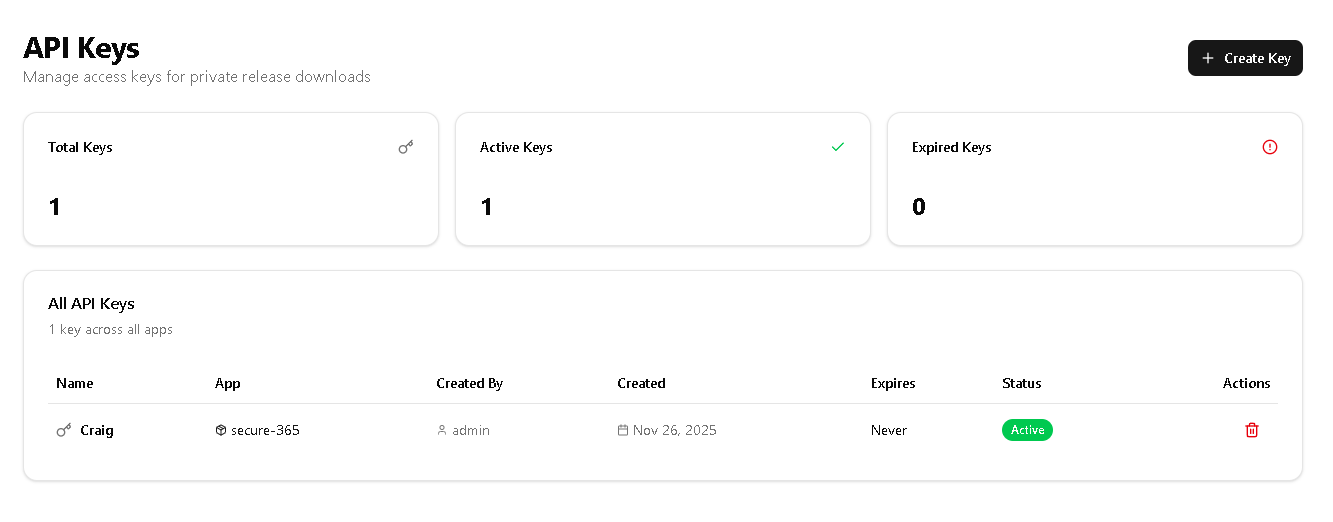
Need to distribute your app to paying customers or internal teams? Shipyard supports API key authentication for releases. Users without a valid key simply won't see the update.
// In your Electron app
autoUpdater.requestHeaders = {
'X-API-Key': process.env.UPDATE_API_KEY
};
autoUpdater.checkForUpdatesAndNotify();Never hardcode API keys in your app. Use environment variables or secure storage like
electron-store with encryption.
Tech Stack
Shipyard is built with modern, battle-tested technologies:
The entire stack runs in Docker containers, making deployment and scaling straightforward. File storage uses S3-compatible storage, so you can use MinIO (included), AWS S3, Cloudflare R2, or any other compatible service.
Getting Started
Deploying Shipyard takes just a few minutes:
# Clone the repository
git clone https://github.com/cdennis121/Shipyard.git
cd Shipyard
# Configure your environment
cp .env.example .env
# Edit .env with your secure passwords# Start the services
docker compose up -d
# Open http://localhost:3000For production deployments, make sure to set strong passwords, use HTTPS with a reverse proxy, and consider using an external S3 service for better reliability.
What's Next?
We're actively developing Shipyard and have exciting features planned:
- REST API — Automate releases from your CI/CD pipeline
- Delta Updates — Smaller, faster updates with binary diffing
- Webhooks — Get notified when updates are downloaded
- Team Management — Role-based access control for organizations
- Update Analytics — Detailed insights into update adoption
Ready to Take Control of Your Updates?
Shipyard is free, open-source, and ready for production. Give it a try!
View on GitHub →Contributing
Shipyard is open-source under the MIT license. We welcome contributions of all kinds — whether it's bug reports, feature requests, documentation improvements, or code contributions.
Check out our Contributing Guide to get started, or join the discussion in GitHub Discussions.
Open SourceMIT LicenseSelf-HostedDocker Ready